Choosing education recruitment software is not just about finding a system that stores applicants.
For schools, tuition centers, colleges, and education groups, the harder problem usually happens before hiring managers meet candidates. Recruiters need to review CVs, confirm role fit, ask repeated screening questions, check communication quality, and prepare clearer shortlists without slowing down urgent term-start or campus hiring.
The mistake is comparing software by feature count alone. A tool may look strong in a demo, but still fail to solve the real education hiring bottleneck: deciding which teachers, tutors, student care staff, admissions candidates, and campus support applicants are ready for deeper human review.
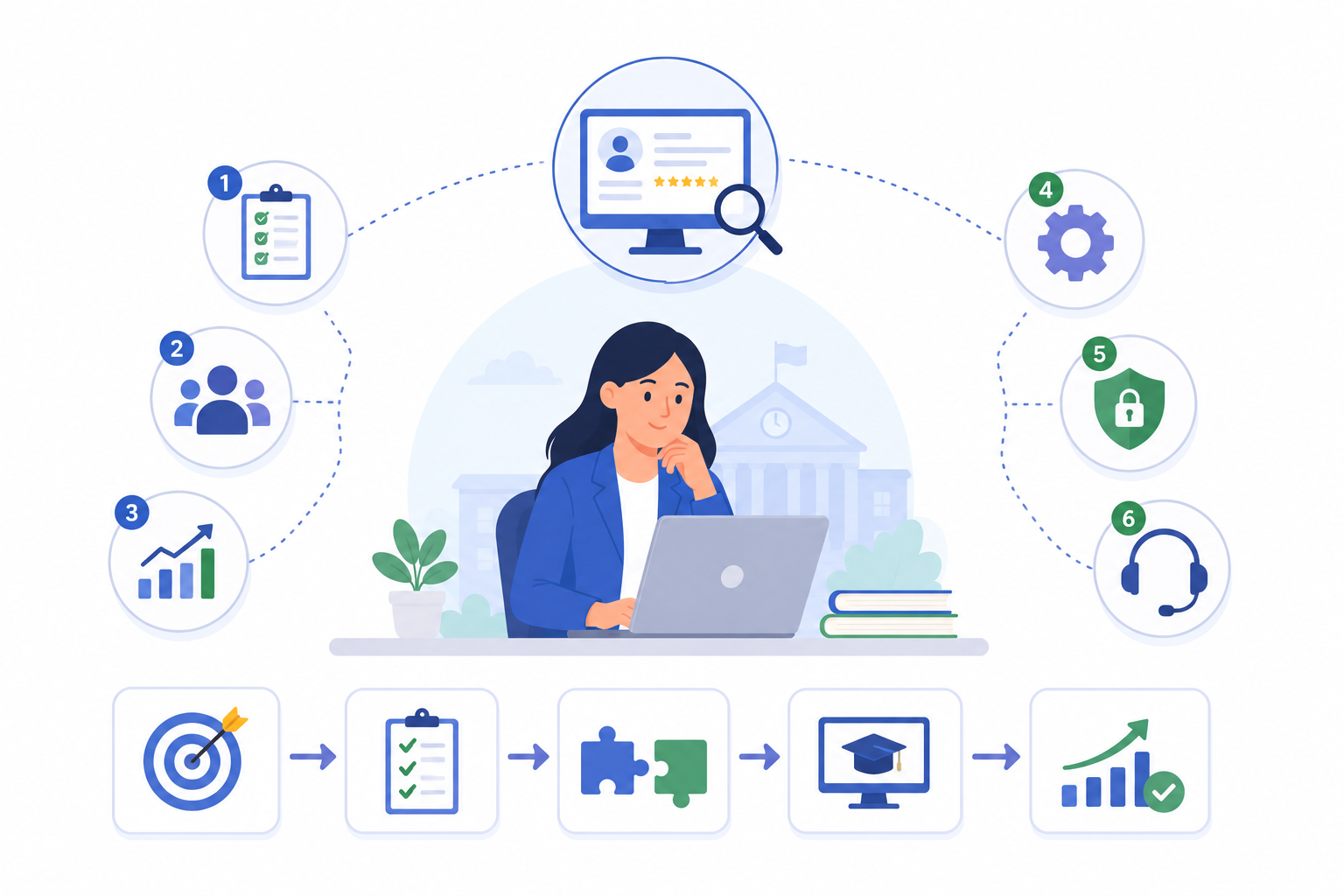
This guide explains how to choose education recruitment software using a practical checklist. It covers screening workflow, AI video interviews, role-specific assessment, candidate reports, recruitment automation, and implementation readiness. For teams evaluating a full education recruitment software workflow, KitaHQ’s education solution page shows how these steps fit together for early-stage screening.
What Education Recruitment Software Should Actually Solve
Education hiring has a different structure from many corporate hiring workflows.
A school or education group may hire across several role types at once, including:
- Classroom teachers
- Subject tutors
- Teaching assistants
- Student care staff
- Admissions and enrolment teams
- Customer service staff
- Campus operations staff
- Finance and admin teams
- Nurses, safety, facilities, and maintenance roles
Each role has different screening needs. A teacher may need to show lesson structure, communication clarity, classroom judgment, and curriculum familiarity. An admissions executive may need to handle parent objections and explain school value clearly. A facilities candidate may need to show safety judgment and operational accountability.
A generic recruitment tool may help track applicants, but it may not help recruiters answer the harder question:
“Who is worth sending to the academic leader or hiring manager for deeper review?”
That is why education recruitment software should be evaluated based on workflow fit, not just feature count.
Start With Your Hiring Workflow, Not the Software Demo
Before looking at features, answer five workflow questions:
This prevents your team from buying a system that tracks applicants well but does not reduce the screening work that actually slows education hiring.
After you answer those workflow questions, map the bottleneck to the part of hiring that needs support. Most education hiring delays happen in five places:
This workflow view helps you avoid choosing software that looks impressive in a demo but does not remove the work that slows your hiring team down.
Feature Checklist for Education Recruitment Software
Use this checklist when evaluating education recruitment software.
1. AI Candidate Screening for Education Roles
The software should help recruiters screen candidates based on the actual role, not only keywords.
For education hiring, look for screening criteria such as:
- Relevant teaching, tutoring, or education experience
- Subject or curriculum exposure
- Student age group experience
- Parent-facing or student-facing communication experience
- Campus operations experience
- Admin, enrolment, or service experience
- Availability, start date, location, or work schedule fit
For example, when hiring a secondary school teacher, the system should help identify whether the candidate has relevant subject exposure, classroom experience, and education background. When hiring admissions staff, it should help surface parent-facing communication and enrolment experience.
The goal is not to let AI decide who gets hired or replace required credential checks. The goal is to help recruiters prioritize candidates for review faster, then let the hiring team decide who should move forward.
2. AI Video Interviews Without Live Scheduling
Education hiring often involves busy school leaders, candidates with teaching schedules, and urgent hiring windows before term starts. Live screening calls can quickly become a bottleneck.
AI video interviews help by allowing candidates to complete structured interviews on their own time, without live scheduling.
For education teams, evaluate whether the software can support:
- Role-specific interview questions
- Consistent questions for every candidate applying to the same role
- Candidate-friendly interview completion
- Mobile or desktop access
- Interview recordings
- Interview transcripts
- Structured summaries for recruiter review
- Reports that hiring managers can review before the next step
This is especially useful for repeated roles such as tutors, teachers, student care staff, admissions executives, and customer service roles.
3. AI Interview Assessment and Role-Specific Criteria
Education hiring should not use one generic scoring rubric for every role.
The software should help your team define what good looks like for each position, then assess candidate responses against those criteria. This is where AI interview assessment becomes useful: it helps recruiters and hiring managers review answers more consistently, while humans still decide who moves forward.
For teachers, you may want to assess:
- Lesson explanation
- Communication clarity
- Classroom management judgment
- Student engagement approach
- Curriculum familiarity
- Adaptability to different student needs
For admissions or enrolment roles, you may want to assess:
- Parent communication
- Objection handling
- Service mindset
- Clarity when explaining programs or fees
- Professional judgment
For operations or facilities roles, you may want to assess:
- Safety awareness
- Escalation judgment
- Reliability
- Operational accountability
- Problem-solving under pressure
A stronger evaluation setup should also define strong answer signals and red flags.
The strongest education recruitment software should support consistent evaluation without forcing every role into the same template.
4. Candidate Reports for Recruiter and Hiring Manager Review
A common problem in education hiring is that hiring managers receive messy handoffs.
They may get short recruiter notes, incomplete CV comments, or only a basic shortlist. This creates more follow-up work because academic leaders still need to re-ask basic questions.
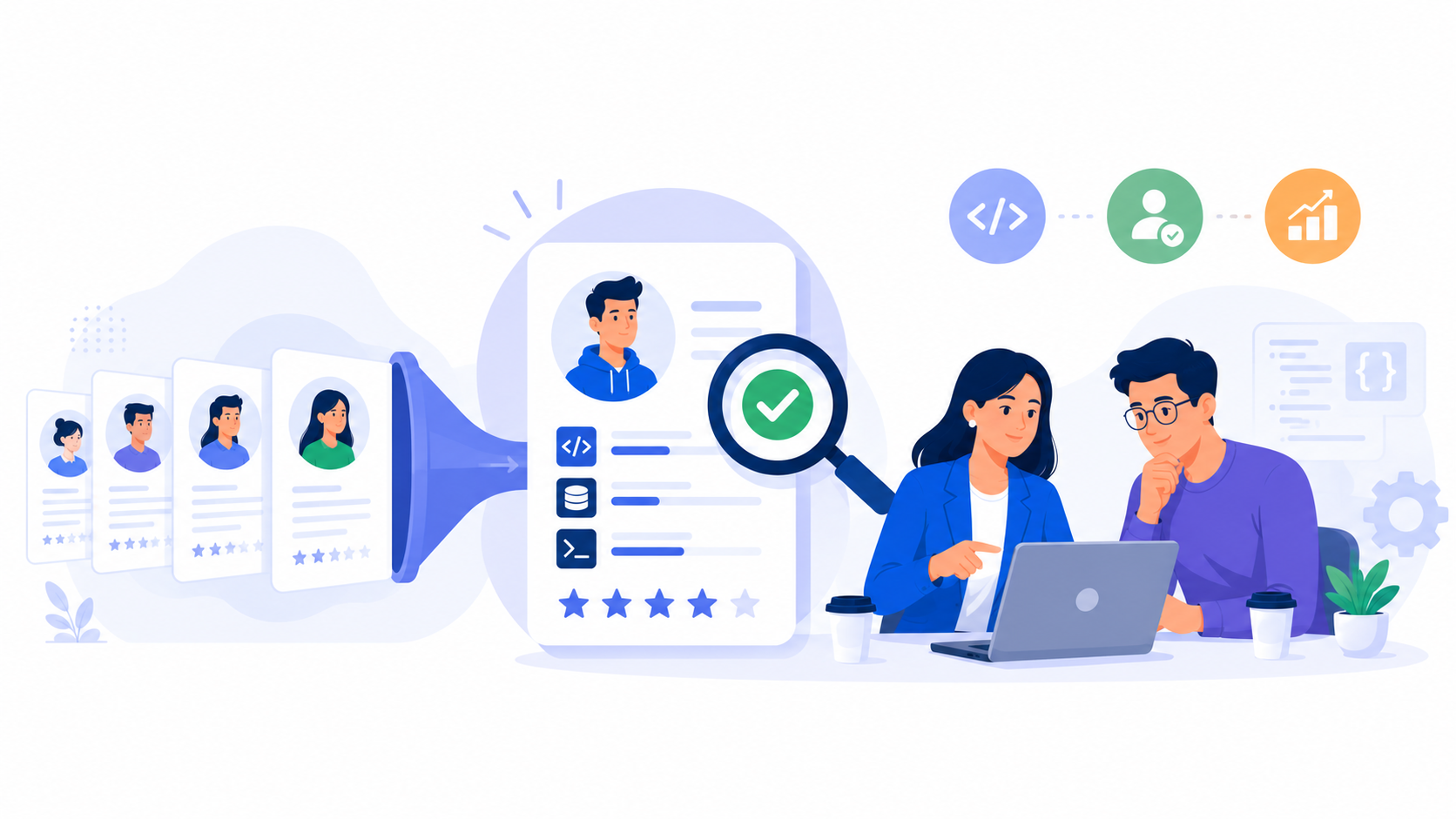
Look for software that generates candidate reports with:
- Candidate summary
- Role-fit signals
- Interview score or structured evaluation
- Strengths and concerns
- Interview transcript
- Interview recording
- Side-by-side candidate comparison
- Shareable reports for hiring manager review
The report should help hiring managers prepare better follow-up interviews. It should not replace their judgment.
5. Recruitment Automation for Repetitive Steps
Education hiring is often time-sensitive. A slow follow-up process can cause good candidates to drop off or accept other offers.
Recruitment automation should help your team reduce repetitive admin work, such as:
- Sending interview invitations
- Sending reminders to incomplete candidates
- Re-inviting candidates
- Preparing next-step routing or handoffs for recruiter review
- Sending rejection messages
- Handing off shortlisted candidates to hiring managers
This matters during high-volume periods, such as new term hiring, campus expansion, relief teacher hiring, or urgent backfills.
See also: Best AI Candidate Screening Software in 2026
Decision Matrix: What Type of Tool Do You Actually Need?
Not every education hiring problem requires the same type of software.
For many education teams, the best fit is not a larger HR suite. It is software that improves the screening workflow before academic or operations leaders invest time in live interviews.
This is also how stronger education screening workflows tend to work in practice. Mind Stretcher used KitaHQ to support AI candidate screening so candidates could complete interviews on their own time while recruiters reviewed clearer candidate information before the next step. Fairview Education Group used structured interview questions to screen teaching, administration, finance, legal, and student-support candidates before recruiter or hiring manager review. AGrader used KitaHQ to screen tuition and education candidates on subject knowledge, teaching experience, availability, location fit, and customer-facing communication before moving candidates forward.
Implementation Checklist for Education Recruitment Software
Choosing the tool is only part of the process. Implementation determines whether the software actually improves hiring.
Use this checklist before rollout.
1. Define the Roles You Want to Start With
Start with repeatable roles where screening work is high.
Good starting points include:
- Teachers
- Tutors
- Student care staff
- Admissions executives
- Enrolment staff
- Customer service staff
- Center managers
- Campus operations roles
Avoid starting with highly bespoke senior leadership roles where every candidate needs a deeper, customized evaluation process from the beginning.
2. Define Your Screening Criteria
For each role, agree on four to six criteria before launching.
For a teacher role, criteria might include:
- Subject knowledge
- Teaching communication
- Classroom judgment
- Student engagement
- Curriculum familiarity
- Availability or location fit
For admissions roles, criteria might include:
- Parent communication
- Service mindset
- Objection handling
- Clarity of explanation
- Professional judgment
This prevents hiring managers from rejecting the system later because the reports do not reflect what they actually care about.
3. Build Interview Questions Around Real Education Scenarios
Avoid generic questions such as “Tell me about yourself” or “What are your strengths?”
Use role-specific prompts instead.
Examples:
Scenario-based questions make AI video interviews more useful because they reveal judgment, communication style, and role understanding.
4. Decide Who Reviews Each Output
Do not launch the software without defining review ownership.
For example:
This keeps the workflow clear and prevents the software from becoming another unused dashboard.
5. Set Human Escalation Rules
Some candidates should always be reviewed by a human before rejection or progression.
Set rules for cases such as:
- Borderline CV match
- Strong teaching background but incomplete application
- Career changers with relevant transferable skills
- Candidates flagged for unclear availability
- Candidates with strong interviews but weaker CVs
- Candidates applying for roles with safeguarding, credential, or license requirements
The system should support recruiter review, not remove it.
6. Prepare Candidate Communication
Candidate experience matters in education hiring.
Before rollout, prepare simple messages that explain:
- Why the candidate is receiving an AI video interview
- How long the interview may take
- Whether they can complete it on mobile or desktop
- What happens after completion
- Who to contact if they have technical issues
The goal is to make the process clear and respectful, not confusing or overly automated.
Fit and Non-Fit Guidance
Education recruitment software is useful when the hiring problem is repeatable, high-volume, or hard to manage consistently.
This distinction matters. The right software should improve speed and consistency, but education hiring still needs human judgment, especially for teaching quality, safeguarding, culture fit, and final selection.
Implementation Guide: How to Roll Out Education Recruitment Software
A simple implementation plan can help your team avoid overcomplicating rollout.
Start small. Prove the workflow with one or two high-volume roles before expanding across the whole education group.
Where KitaHQ Fits in Education Recruitment
KitaHQ fits best when education teams need to improve early-stage screening before academic leaders, campus managers, or hiring managers spend time on deeper interviews.
Recruiters can use KitaHQ to support AI resume screening, invite candidates to AI video interviews, assess responses against role-specific criteria, and prepare candidate reports for recruiter and hiring manager review. Recruitment automation can also help with repeated steps such as interview invites, reminders, re-invites, rejection messages, and handoffs.
For education teams, this is most useful when hiring across repeatable roles such as:
- Teachers
- Tutors
- Student care staff
- Admissions staff
- Enrolment teams
- Customer service roles
- Center managers
- Admin and operations roles
- Campus support staff
KitaHQ is not a replacement for final hiring judgment. It is also not a replacement for live teaching observations, reference checks, safeguarding checks, credential verification, license validation, employment checks, or compliance verification.
Its value is in helping recruiters reduce repetitive screening work and helping hiring managers receive clearer candidate reports before deciding who should move forward. Teams evaluating this type of education recruitment software workflow can use KitaHQ as an early-stage screening layer, not as a replacement for human review.
.avif)
%20(1).png)