.avif)
Recruiters Lose Time When Screening Stays Manual
Without recruitment automation software, recruiters are forced to repeat low-value screening tasks.

Too Many CVs to Review
Recruiters still open every CV manually.
%201.png)
Too Much Manual Follow-Up
Interview invites, reminders, and rejection messages depend on recruiter action.
%201.png)
Candidates Go Cold
Slow follow-up means interested candidates disappear before the first interview.
%201.png)
Reports Take Too Long
Interview reports still need to be compiled manually.
What You Can Automate in the Recruitment Workflow
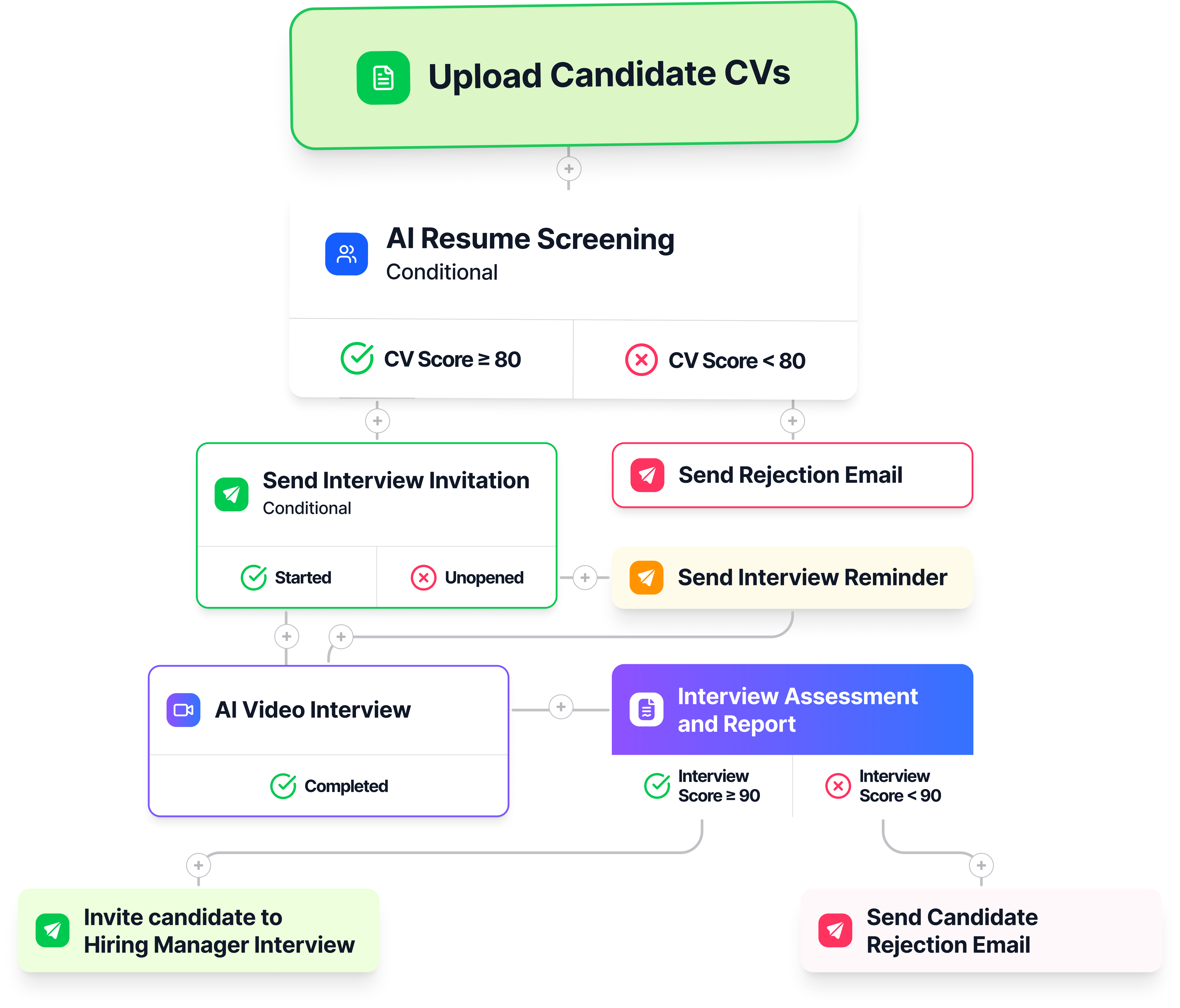
Automate the steps from CV upload to interview routing, so recruiters do not have to move every candidate manually.
1
Upload Candidate CVs
Upload up to 200 candidate CVs at once to start the candidate screening automation
Resume Review Triggered
AI resume screening automation evaluates candidates resumes against job requirements.
2
Send Interview Invites and Reminders
Automatically send interview invitations and reminders to candidates who pass your CV screening threshold.
3
.png)
Run AI Interviews
AI interview automation lets candidates complete interviews without scheduling.
4

Generate Candidate Report
Reports are automatically generated for all candidates who complete the AI interview.
5
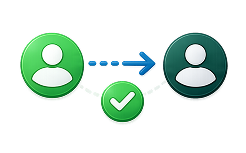
Handoff Candidates for Human Interview
Once candidates complete the automated recruitment workflow, KitaHQ prepares the candidate report and surfaces the candidate for recruiter review; the recruiter decides whether to progress the candidate.
6
Set If-Then Rules for Recruitment Automation With AI
Define how candidates progress after CV screening and interview completion.

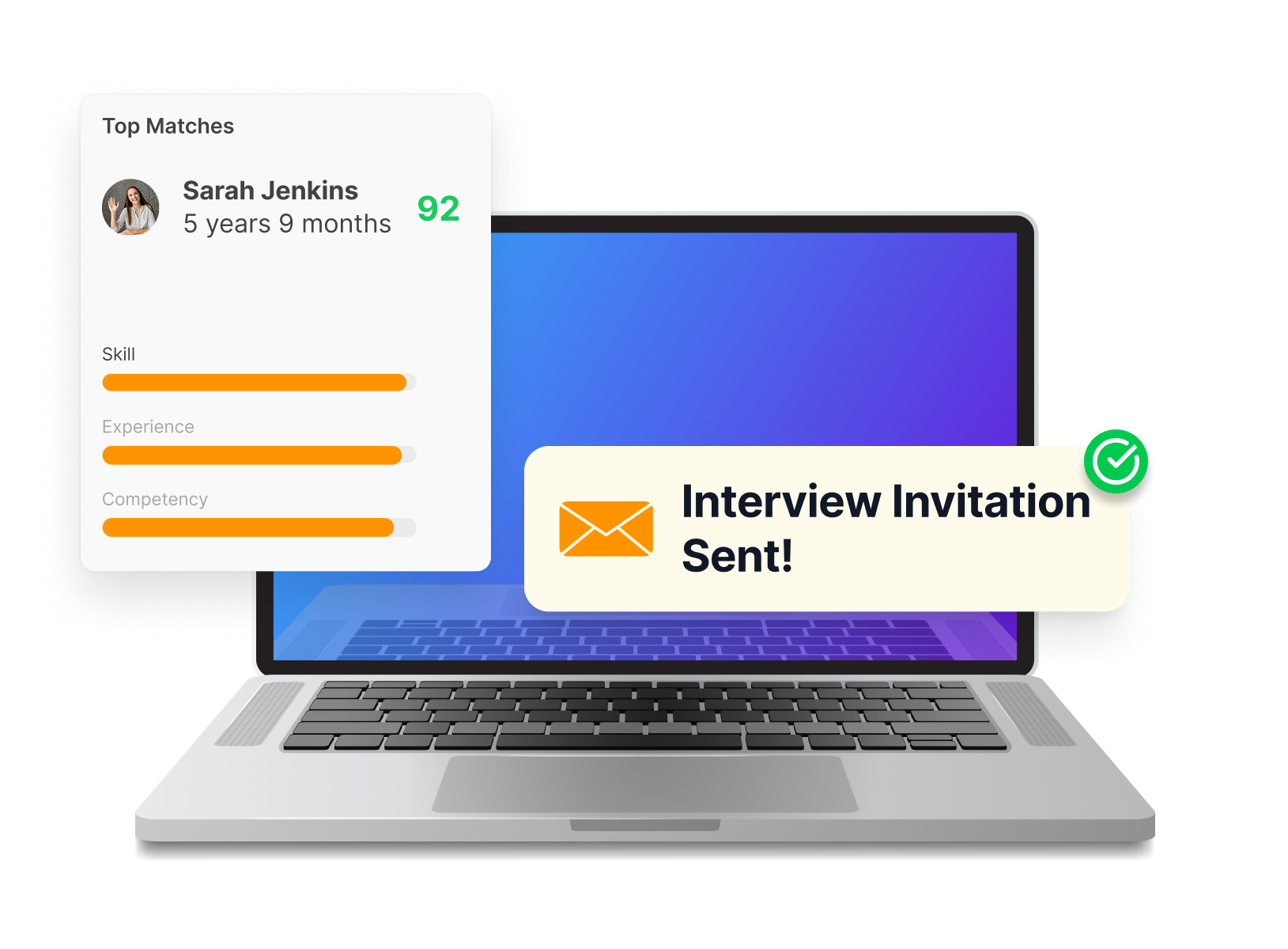
If: Resume Score ≥ 80

Then: Send interview invitation via email and WhatsApp immediately.

Why teams use it: AI automatically screens through hundreds of resumes in just minutes.

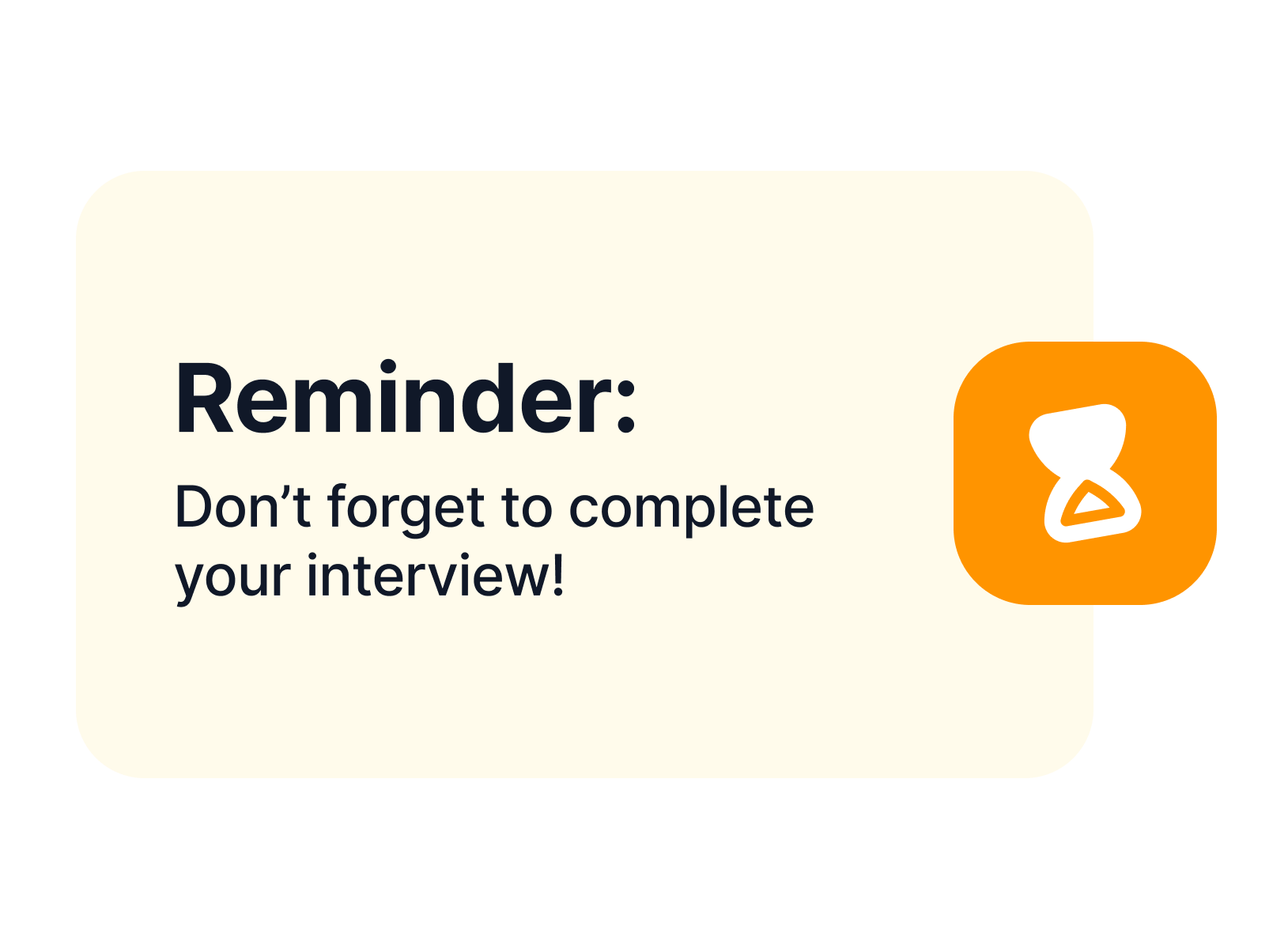
If: Candidate has not started the interview within the set time
Then: Send another reminder to start the interview.

Why teams use it: Recruiters do not need to manually follow up one by one.
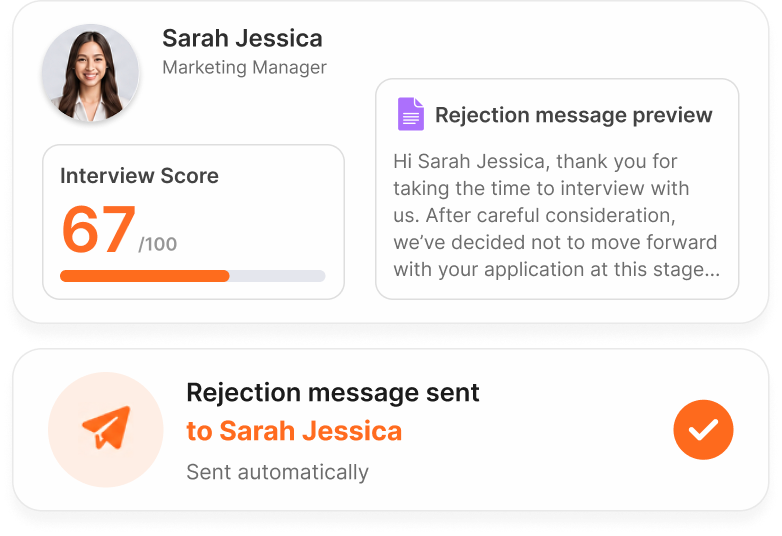
If: Interview Score <90
Then: send a rejection message using approved template

Why teams use it: Recruiters do not need to manually write every rejection message.
If: Interview score ≥ 90
Then: Prepare a candidate report and set up an interview with a human interviewer.

Why teams use it: Hiring managers get a consistent first-round output without repeating the same screening conversation.
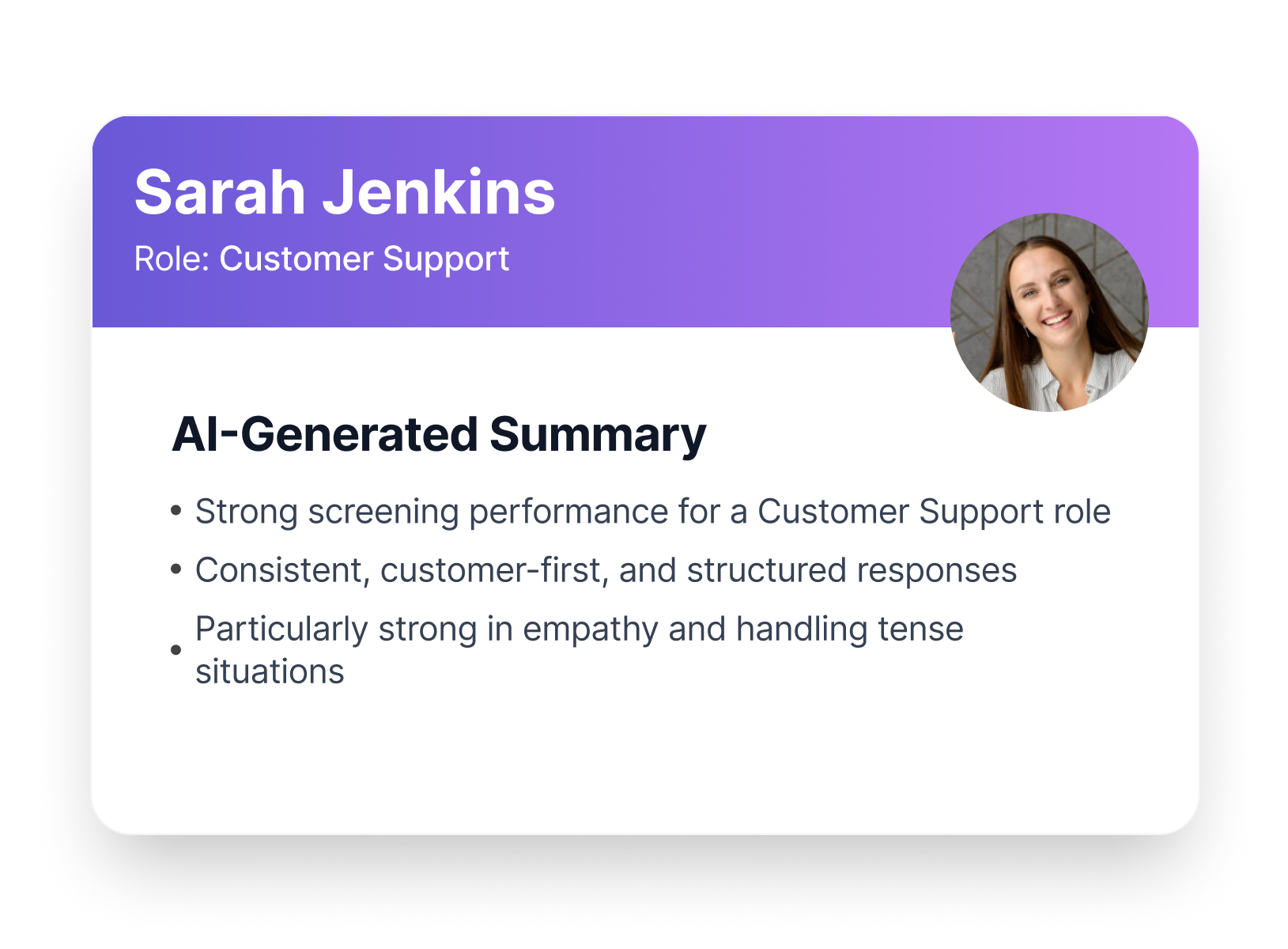
Recruitment Process Automation Built for Candidate Screening
KitaHQ connects the recruitment automation tools teams need to automate CV screening, first-round interviews, assessment, and candidate reports in one platform.
Before and After Candidate Screening Automation
See how hiring teams benefit by replacing manual screening work with an automated recruitment process.
Before KitaHQ
Review CVs one by one
Send follow-ups manually
Schedule first-round screening calls
Write interview reports manually
Track candidate progress across tools
After KitaHQ
Automated CV screening
Interview invites and reminders sent automatically
Structured first-round interviews without scheduling
Candidate recommendations for human review
Access all candidate reports in one platform
Recruitment Automation Results From KitaHQ Customers


Apply Recruitment Automation Across Industries, Roles and Hiring Needs
SME
Automate screening, follow-up, and candidate reports without expanding your recruitment team.
View SME workflows
→
Restaurant
Automate frontline candidate screening, interview reminders, and first-round interview workflows.
View restaurant hiring
→
Campus
Automate screening for interns, graduates, and early-career applicants at scale.
View campus hiring
→
Staffing Agency
Automate candidate screening, follow-up, and report generation for client-ready shortlists.
View staffing hiring
→
High Volume
Automate candidate screening for large applicant pools before recruiter review.
View high volume hiring
→
Where KitaHQ Recruitment Automation Works Best

Best for
Automated CV Screening
Screen candidate resumes without manual review.
Automated Candidate Follow-Up
Send interview invites, reminders, re-invites, and rejection messages based on screening rules.
First-Round Interviews Without Scheduling
Let candidates complete structured first-round interviews without recruiter calendar coordination.
Human Interview Handoff
Generate candidate reports and recommendations for recruiters.
Need another solution for

Live Interview Scheduling
Calendar scheduling for live recruiter, manager, and candidate interviews.
Full Applicant Tracking System Workflows
Job posting, pipeline management, offers, onboarding, and recruitment lifecycle administration.
Candidate Sourcing and Communications
Outbound sourcing, talent database search, candidate relationship management, and nurture campaigns.
Verification and Compliance Checks
Background checks, sanctions checks, fraud checks, license verification, credential checks, or compliance replacement.
Still have questions?
Let our FAQ guide you with the answers.
Is KitaHQ recruitment automation software?
Yes. KitaHQ is recruitment automation software for candidate screening. It helps teams automate CV screening, interview invites, reminders, structured first-round interviews, candidate reports, and human interview handoffs.
What does recruitment workflow automation mean in KitaHQ?
It means automating repetitive early-stage screening steps, from CV review and interview invites to reminders, interview completion, report generation, and candidate handoffs.
What is candidate screening automation?
Candidate screening automation means reducing manual work in early candidate review. KitaHQ helps recruiters screen CVs, invite candidates, collect first-round interview responses, and prepare reports before human interviews.
Does KitaHQ support recruitment automation with AI?
Yes. KitaHQ combines recruitment automation with AI across CV screening, interview invites, reminders, structured first-round interviews, report generation, and candidate handoff workflows. Humans still make the final hiring decision.
Can workflows differ by job opening?
Yes. Screening criteria, score thresholds, interview questions, reminders, rejection messages, and next-step logic can vary by job opening.
Can candidate communication be automated?
Yes. Interview invites, reminders, re-invites, follow-ups, and rejection messages can be automated based on your screening rules and approved templates.
Is KitaHQ the same as an applicant tracking system?
No. KitaHQ focuses on early-stage screening workflow automation. Use an applicant tracking system for job posting, pipeline management, offers, onboarding, and full recruitment lifecycle administration.
Can KitaHQ automate interview scheduling?
KitaHQ removes scheduling from structured first-round interviews because candidates complete them on their own time. For live interviews with recruiter, candidate, and hiring manager calendar coordination, use a dedicated scheduling tool.
Does KitaHQ make hiring decisions automatically?
No. KitaHQ automates screening steps and prepares candidate reports and recommendations for review. Recruiters and hiring managers still decide who moves forward and who gets hired.
What roles and hiring workflows is KitaHQ best for?
KitaHQ works best for repeatable and high-volume roles where candidates need structured screening before human interviews. It can support SME recruitment automation, restaurant recruitment automation, campus recruitment automation, agency recruitment automation, and high-volume hiring automation.
Automate Your Screening Workflow
Move from manual screening admin to faster follow-up, structured first-round evaluation, and cleaner hiring manager handoffs.
Book a Demo