%20(1).png)
July 19, 2026
Retail Candidate Screening Automation for High-Volume Hiring
Learn how retail candidate screening automation speeds CV review, structured interviews, reminders, and manager handoffs across stores and seasonal hiring.
.png)
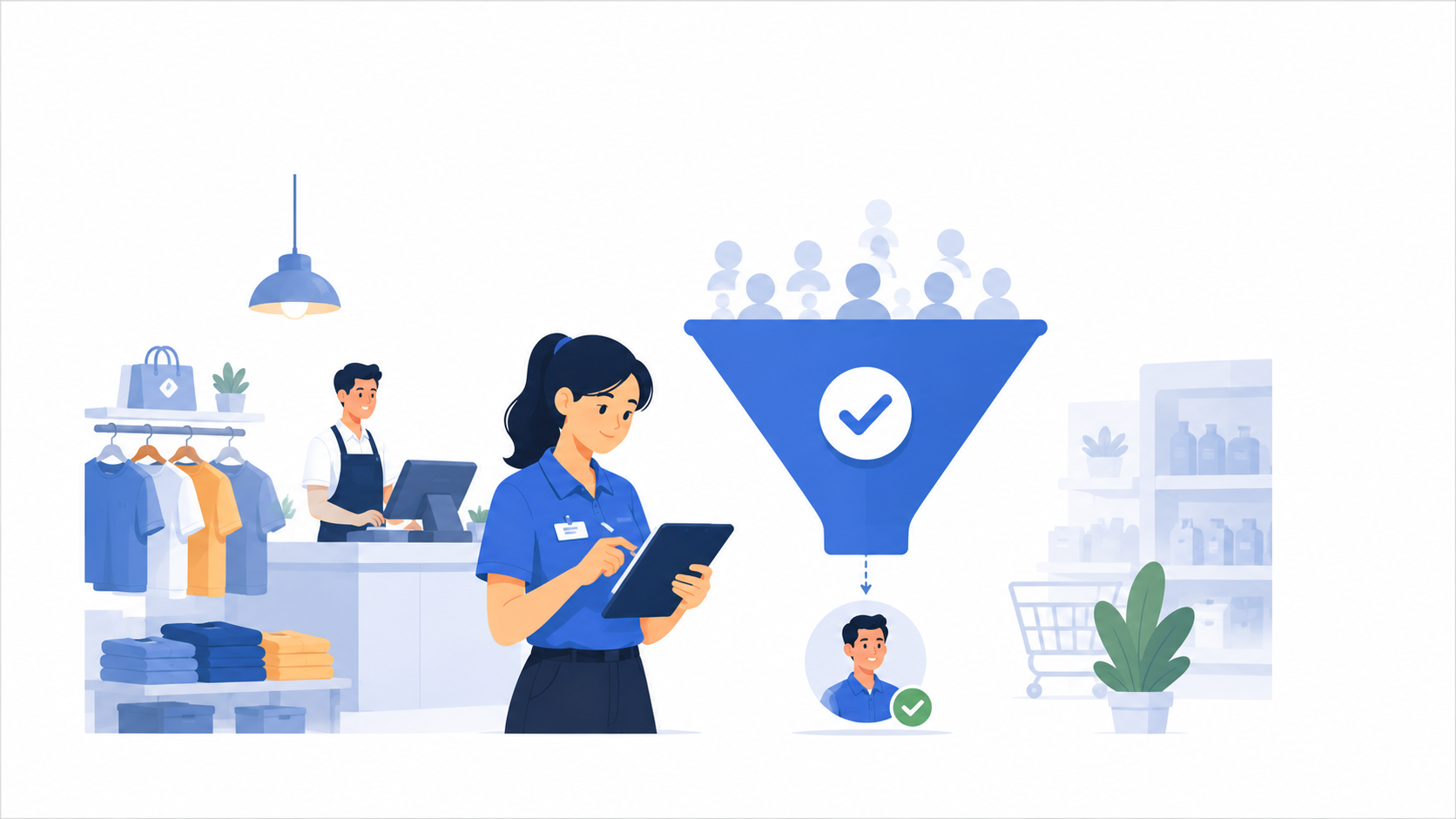
Retail candidate screening can become difficult fast. One store needs weekend staff. Another outlet needs urgent replacements. A new branch is opening soon. Seasonal demand is increasing. At the same time, recruiters still need to review CVs, check availability, follow up with candidates, schedule interviews, update managers, and keep the hiring process moving.
The problem is not that retail recruiters are not working hard enough. The problem is that high-volume retail hiring creates too many repetitive screening steps for one team to manage manually.
This is where retail candidate screening automation can help.
For retail recruiters, automation should not replace hiring judgment. It should reduce repetitive admin, standardize early screening, and help recruiters move suitable candidates to hiring manager review faster.
For teams comparing retail recruitment software, the key question is not “Can this automate everything?” The better question is: “Can this remove repetitive screening work while giving recruiters and store managers clearer information before they decide who moves forward?”
Retail hiring has a few patterns that make manual screening difficult.
The first is volume. Retail teams often hire many candidates for similar roles, such as frontline retail staff, store crew, cashier, sales associate, customer service staff, inventory support, and store supervisors.
The second is urgency. Retail vacancies can affect store operations quickly. When one outlet is short-staffed, hiring delays can affect shift coverage, customer service, and team workload.
The third is repetition. Recruiters often ask the same first-round questions again and again: Can you work weekends? Which location can you work at? Do you have customer-facing experience? Can you handle shift work? Have you worked with sales targets, stock handling, or cashier responsibilities before?
The fourth is manager handoff. Store managers need enough information to decide who should move forward, but they usually do not have time to repeat the entire screening process from zero.
When these steps stay manual, recruiters become the bottleneck. Candidates wait too long. Managers receive inconsistent notes. Good applicants may drop off before the team can review them. A useful way to diagnose the problem is to separate retail screening into two layers:
Basic fit: location, shift availability, weekend availability, start date, and minimum role requirements.
Role-readiness: customer handling, product communication, cashier discipline, store SOP awareness, teamwork, and judgment during peak-hour pressure.
Automation is strongest in the first layer and can help structure the second layer. Human review is still needed for context, exceptions, store fit, and final hiring decisions.
See also: Retail Recruitment in a Competitive Market: Strategies That Actually Work
Retail candidate screening automation works best when it supports repeatable early-stage tasks.
It should help recruiters:
This does not mean every hiring decision should be automated.
The goal is to reduce repetitive screening work before human review. Recruiters and hiring managers should still make the final decision, review exceptions, assess outlet-specific fit, and handle compliance-related checks separately.
Retail recruiters can use automation across five practical stages.
Automation only works well when the screening criteria are clear.
Before screening starts, recruiters should define the basic requirements for each retail role. These may include:
This step is important because not every retail role should be screened in the same way.
A cashier role may need stronger attention to detail and comfort handling transactions. A sales associate role may need product communication and selling skills. A store supervisor role may need team coordination, escalation handling, and basic leadership judgment.
When the criteria are clear, automation can support a more consistent first screening process.
In high-volume retail hiring, recruiters may receive many applications that are not aligned with the role.
Some candidates may be too far from the outlet location. Some may not have the required availability. Others may have limited relevance to the role requirements.
AI resume screening can help recruiters review CVs against the job description and prioritize candidates who appear closer to the role fit. For retail teams, this is useful when hiring repeatedly for roles such as store crew, cashier, customer service staff, sales promoter, inventory assistant, or store supervisor.
This step should not be treated as the final hiring decision. Screening results should show why a candidate matched the criteria, support recruiter review or overrides, and reduce manual sorting so the team can focus on candidates who deserve closer review.
After CV screening, suitable candidates should move quickly into a structured first-round interview.
This is where many retail teams lose time when the process is manual. Recruiters may need to coordinate schedules, repeat the same questions, take notes, and summarize each candidate for the manager.
AI video interviews can help candidates complete first-round interviews on their own time, without live scheduling. This allows recruiters to use the same question set for the same role and compare candidates more consistently.
For retail roles, first-round questions should test practical situations, not just motivation.
This is where AI interview assessment can help recruiters review answers against role-specific criteria before hiring manager review.
The value is not just speed. It is consistency. Candidates applying for the same role can be asked the same questions and reviewed against the same criteria.
Candidate drop-off is common in retail hiring.
Some candidates apply but do not complete the next step. Some miss the first interview invitation. Some need a reminder before the deadline. If recruiters follow up with every candidate manually, a large part of their day becomes admin.
Recruitment automation can help by sending interview invites, reminders, re-invites, and rejection messages based on the candidate’s stage.
For retail hiring, this is especially useful when recruiters are managing many applicants across multiple outlets. Instead of tracking every follow-up manually, recruiters can set a structured workflow that keeps candidates moving.
This helps reduce delays without removing recruiter control.
Store managers should not receive only a CV and a short comment.
When the early screening process is structured, recruiters can share candidate reports or interview reports that summarize the candidate’s responses, scores, strengths, concerns, transcript, and recording.
This makes manager review easier.
Instead of asking managers to repeat basic screening questions, recruiters can give them a clearer view of each candidate before the next conversation. Managers can then focus on outlet fit, team fit, final expectations, and practical details.
This is especially useful when one recruiter supports many locations. A consistent candidate report helps managers review faster and makes the handoff more useful.
Retail candidate screening automation should have clear limits.
Recruiters and hiring managers should still manually review:
Automation can support early-stage screening, but it should not replace human judgment.
This matters because retail hiring often needs context. A candidate may not look perfect on paper but may have strong service potential. Another candidate may score well in screening but still need manager review before moving forward.
The strongest workflow uses automation to organize the early-stage process, then gives recruiters and managers better information for review.
Recruiters may spend hours reviewing applications that are clearly not aligned with the role. CV screening helps reduce this manual sorting stage.
Interview invites, reminders, and candidate updates can consume recruiter time. Automation can handle these repeatable messages while recruiters focus on candidate quality and manager coordination.
When each recruiter asks different questions, candidates become harder to compare. Structured interviews help standardize early screening.
Managers need more than a CV. Candidate reports and interview reports help them understand what was already checked and what still needs review.
Retail candidates often apply to multiple employers. Faster follow-up and automated reminders can help reduce unnecessary delays in the process.
Retail candidate screening automation helps hiring teams process high applicant volumes while maintaining consistent evaluation and clear manager visibility. KitaHQ structures early-stage screening and turns candidate responses into practical information for review.
Retailers can use retail recruitment software to support hiring across stores, warehouses, merchandising, and operational roles. Experiences from BilaBila Mart and Everrise demonstrate how role-specific screening can help assess relevant capabilities before manager review.
Final hiring decisions remain with recruiters and hiring managers, while KitaHQ reduces repetitive screening tasks and keeps qualified candidates moving forward. Book a demo to see how KitaHQ can streamline your retail hiring workflow.
Industry: Banking
.avif)
KitaHQ is an AI hiring software that helps teams screen faster, run AI video interviews, and evaluate candidates consistently.