

August 6, 2026
Ecommerce Hiring Process: A Practical Guide to Building a Team That Can Scale
Build a stronger ecommerce hiring process with eight practical steps for defining roles, screening candidates, running interviews, and scaling responsibly.
.avif)
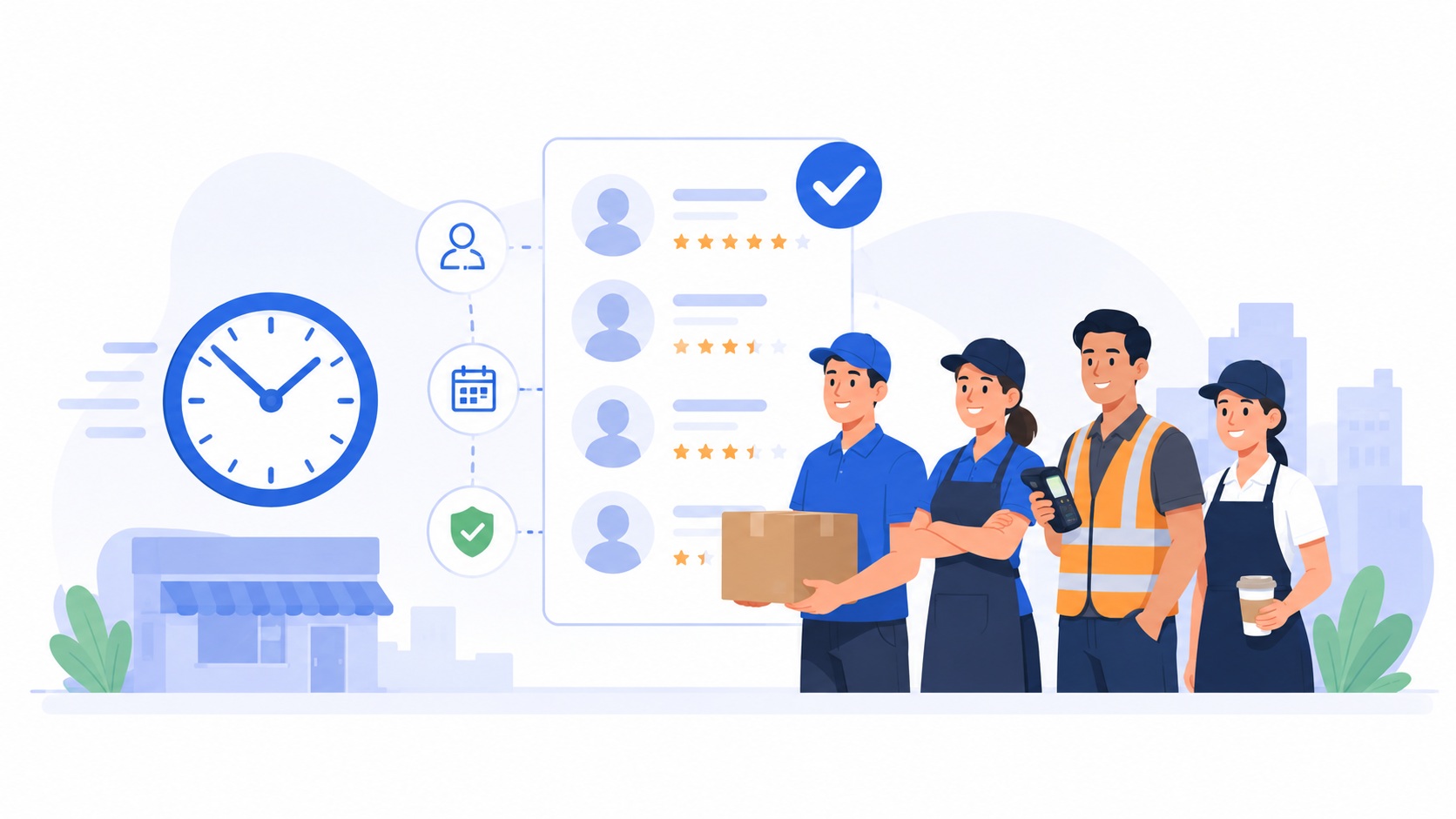
The best hourly hiring software helps recruiting teams screen, engage, and move shift-based candidates forward before competing employers do. This matters in retail, hospitality, restaurants, logistics, manufacturing, and other frontline industries where applicants may accept another job within days - or even hours.
Traditional applicant tracking systems can collect applications and track hiring stages. But hourly recruitment often needs more speed at the top of the funnel: fast mobile applications, automated screening, immediate candidate communication, flexible interviews, and clear handoffs to location managers.
Some teams need a full hourly applicant tracking system. Others already have an ATS and need ai recruitment software to reduce the manual work between application and manager interview. The right choice depends on where candidates currently get stuck.
This guide compares seven of the best hourly hiring software platforms, including what each one is best for, its key features, and the situations where another option may be a better fit.
Hourly hiring software is recruitment technology designed for repeatable, shift-based, frontline, or high-volume roles. It helps employers recruit positions such as cashiers, servers, warehouse associates, drivers, customer service staff, production operators, store crew, and hospitality workers.
These roles create a different hiring environment from executive or specialist recruitment. Recruiters may need to process hundreds of applications, confirm shift availability, screen for location fit, contact candidates outside office hours, and give multiple branch managers a consistent shortlist.
As a result, hourly hiring software often includes capabilities such as:
Not every platform covers the entire process. Some tools specialize in candidate screening, while others function as an ATS, candidate engagement layer, or end-to-end workforce platform. Before comparing vendors, decide whether you need to replace your existing system or fill a specific gap within it.
The best hourly hiring software should make the recruitment process faster without removing the review points that protect candidate quality. Look for the following capabilities.
Recruiters should not have to read every application manually or repeat the same basic phone-screen questions throughout the week. The software should help identify stronger-fit candidates based on role requirements and prepare useful information for human review.
Hourly candidates often apply between shifts or while travelling. Long forms, desktop-only workflows, and required app downloads create unnecessary drop-off. A mobile-friendly application or interview link makes it easier for candidates to respond quickly.
Fast screening has little value if interview invitations, reminders, and manager handoffs still depend on manual follow-up. Look for automation that moves qualified candidates to the next step and alerts the right person when human input is needed.
Multi-location employers need a shared process without taking all authority away from local managers. Useful platforms allow teams to standardize questions and criteria while maintaining visibility by job, store, branch, or region.
A shortlist should explain why each candidate may fit the role. Scores alone are rarely enough. Recruiters and managers need summaries, screening responses, interview notes or transcripts, recordings when relevant, and clear areas to verify in the next conversation.
See also: How to Assess Communication, Problem-Solving, and Role Fit in Interviews
Best for: Automating early-stage screening before recruiter or hiring manager review
KitaHQ is an AI-powered candidate screening platform designed to help employers review hourly candidates before manager interviews.
Its workflow connects bulk AI resume screening, candidate invitations, reminders, AI video interviews, interview assessment, and candidate reports. Candidates can complete structured first-round interviews on their own time without requiring recruiters to schedule and attend every screening call.
Recruiters and hiring managers can review candidate scores, summaries, transcripts, recordings, strengths, and concerns before deciding who should move forward. KitaHQ supports the review process but does not make final hiring decisions.
For hourly roles, hiring teams can use consistent questions and assessment criteria to review areas such as shift availability, customer handling, workplace judgment, task prioritization, and role readiness.
Key strengths:
KitaHQ’s hourly hiring software is best suited to teams that already receive enough applications but need to reduce manual CV review, repetitive screening calls, and unclear manager handoffs.
It is not designed to replace payroll, workforce scheduling, employee onboarding, credential checks, or a full applicant tracking system.
Best for: Large organizations running high-volume frontline recruitment across many roles, brands, or locations.
Fountain supports mobile applications, automated screening, candidate communication, interview scheduling, and onboarding-related steps. Its configurable workflows help enterprises create different hiring paths by role and location while maintaining centralized visibility.
Key features:
Consideration: Its enterprise depth may require more implementation and administration than smaller employers need.
Best for: Restaurants and multi-location operators that want mobile hiring connected with broader HR and workforce workflows.
Workstream combines text-to-apply, SMS communication, automated messaging, interview scheduling, and applicant tracking. Its wider platform also covers onboarding, employee records, time tracking, payroll, and team communication, which can reduce system switching for hourly operators.
Key features:
Consideration: Its broad workforce scope may be more than you need if candidate evaluation is the only bottleneck.
Best for: Restaurants, quick-service brands, franchises, and retail operators that need a simple mobile hiring process across locations.
HigherMe is built specifically for hourly workforces. Candidates can enter through mobile applications or text-to-apply campaigns, while managers screen applicants, communicate, schedule interviews, and move new hires into onboarding from one location-aware workflow.
Key features:
Consideration: It is most relevant to restaurant, franchise, retail, and service-industry hiring rather than complex professional recruitment.
Best for: Medium-to-large employers that want frontline candidates to apply and progress through WhatsApp.
MokaHR combines an applicant tracking system with AI-powered screening and a WhatsApp recruiting agent. Candidates can enter through a QR code, complete application steps, receive updates, and move toward scheduling or onboarding within a familiar mobile channel.
Key features:
Consideration: Smaller teams may not need the breadth or setup of an enterprise recruitment platform.
Best for: Small and midsize teams that want to evaluate candidates through resumes, one-way interviews, and assessments without a heavy enterprise setup.
Truffle combines resume screening, one-way video interviews, and talent assessments in one candidate profile. It ranks candidates against employer-defined criteria and shows the reasoning behind each score, while hiring teams decide who advances.
Key features:
Consideration: Truffle is a screening layer, not a payroll, shift scheduling, background check, or full workforce management platform.
Best for: Decentralized employers in industries such as hospitality, healthcare, and automotive that need stronger process consistency and manager accountability.
Hireology gives local managers and central HR teams one system for job openings, candidate communication, interview steps, hiring activity, and onboarding. Its process visibility is useful when delays and inconsistent manager follow-up are bigger problems than applicant sourcing.
Key features:
Consideration: Teams focused on AI-led candidate evaluation may still need a specialist screening layer.
The comparison becomes easier when you start with the bottleneck rather than the vendor list.
Document what happens from application to first shift. Track how long candidates wait at each stage, which steps require recruiter action, and where applicants disappear. This shows whether the real problem is sourcing, screening, communication, scheduling, manager review, onboarding, or system handoff.
Count applications, open roles, hires, locations, and participating managers. A centralized enterprise recruiter processing thousands of candidates needs different controls from a restaurant group where each store manager hires locally.
Decide whether the new platform must replace your ATS or work alongside it. A specialist screening platform can be the right answer when your current ATS already handles records and pipeline stages but does not evaluate candidates efficiently.
Complete the application, messaging, and interview flow as if you were a candidate. Check the number of steps, loading speed, instructions, accessibility, language support, and whether an app download or account creation is required.
If phone screens are the main delay, test an ai video interview workflow with a small group of candidates and ask whether the instructions and time expectations were clear.
Do not evaluate automation only by how quickly it moves applicants. Review what recruiters and hiring managers receive at the end. The output should help a human understand candidate fit, verify concerns, and decide the next step.
Ask how candidate records move between job boards, screening tools, the ATS, calendars, background checks, onboarding, HRIS, and payroll. Confirm who will configure workflows, maintain criteria, resolve failed automations, and train managers.
Automation can help structure screening and reduce repetitive work, but recruiters and hiring managers should review candidate context and make decisions about progression and hiring. Establish an exception process for incomplete data, accessibility needs, unusual career histories, and cases that require deeper review.
There is no single hourly hiring platform that is best for every employer.
Fountain and TalentReef are relevant to larger frontline and multi-location hiring operations. Workstream and HigherMe focus strongly on restaurants, franchises, and location-based businesses. Homebase is better aligned with smaller hourly employers, while MokaHR provides broader applicant tracking and recruitment automation.
KitaHQ is the strongest fit for teams that already have candidate sources or an ATS but need to improve what happens between application and manager interview. It helps teams screen resumes, run structured first-round interviews without live scheduling, assess candidate responses, and prepare candidate reports for human review.
When comparing hourly hiring software, start with the operational bottleneck rather than the number of features. A team struggling with candidate screening needs a different platform from one struggling with payroll, scheduling, sourcing, or onboarding.
The best hourly hiring software is not always the platform with the most features. It is the one that solves the stage where candidates slow down, recruiters repeat the most manual work, or hiring managers receive too little information to make the next decision.
For teams that already have an ATS or candidate sourcing process but need faster early-stage screening, KitaHQ helps automate resume review, structured first-round interviews, candidate follow-ups, and candidate reports while keeping recruiters and hiring managers responsible for hiring decisions. Explore solutions or book a demo to see how it can fit into your existing hiring workflow.
Industry: Banking
KitaHQ is an AI recruitment software that helps companies screen candidates, manage applicants, and keep candidate communication moving in one connected workspace.