.png)
Preparing for Your KitaHQ Video Interview
You’ve been invited to complete a video interview powered by KitaHQ. This guide explains what to expect, how our AI technology supports the process, and how hiring decisions are made, so you can prepare with confidence.
The hiring company reviews your interview and decides who moves forward.
.png)
On this page
Quick overview
How the interview works
Your AI video interview guide
Tips for a great interview
Technical checklist
What happens next?
Privacy, accommodations & rights
How your information is handled
Troubleshooting
AI transparency
Country-specific candidate information
Frequently asked questions
On this page
Quick overview
What is KitaHQ AI video interview?
How the interview works
How to prepare
Technical requirements
After you submit
How your information is handled
Troubleshooting
AI transparency, privacy, and your rights
Country-specific candidate information
Frequently asked questions
Quick overview
How Your Interview Works
KitaHQ provides a structured first-round video interview. The hiring employer sets the questions and defines what skills matter for the role.
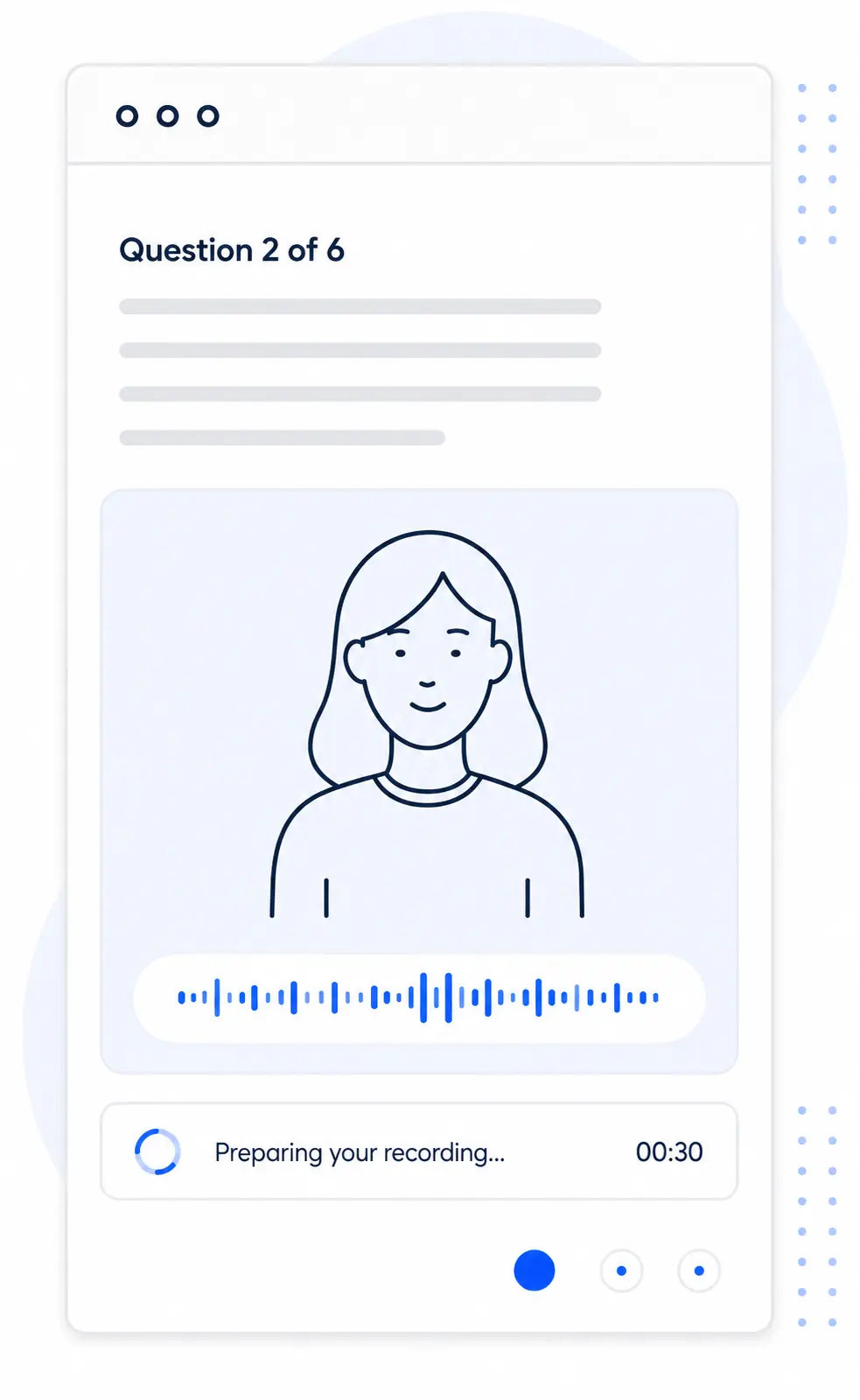
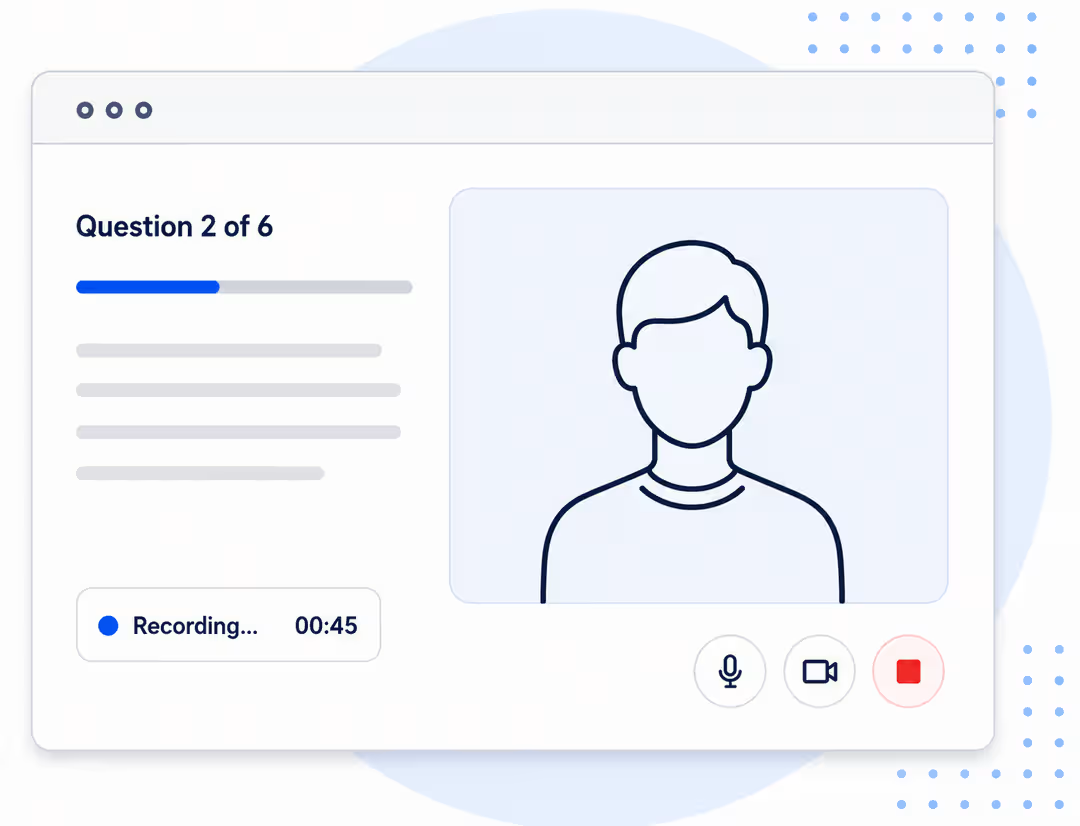
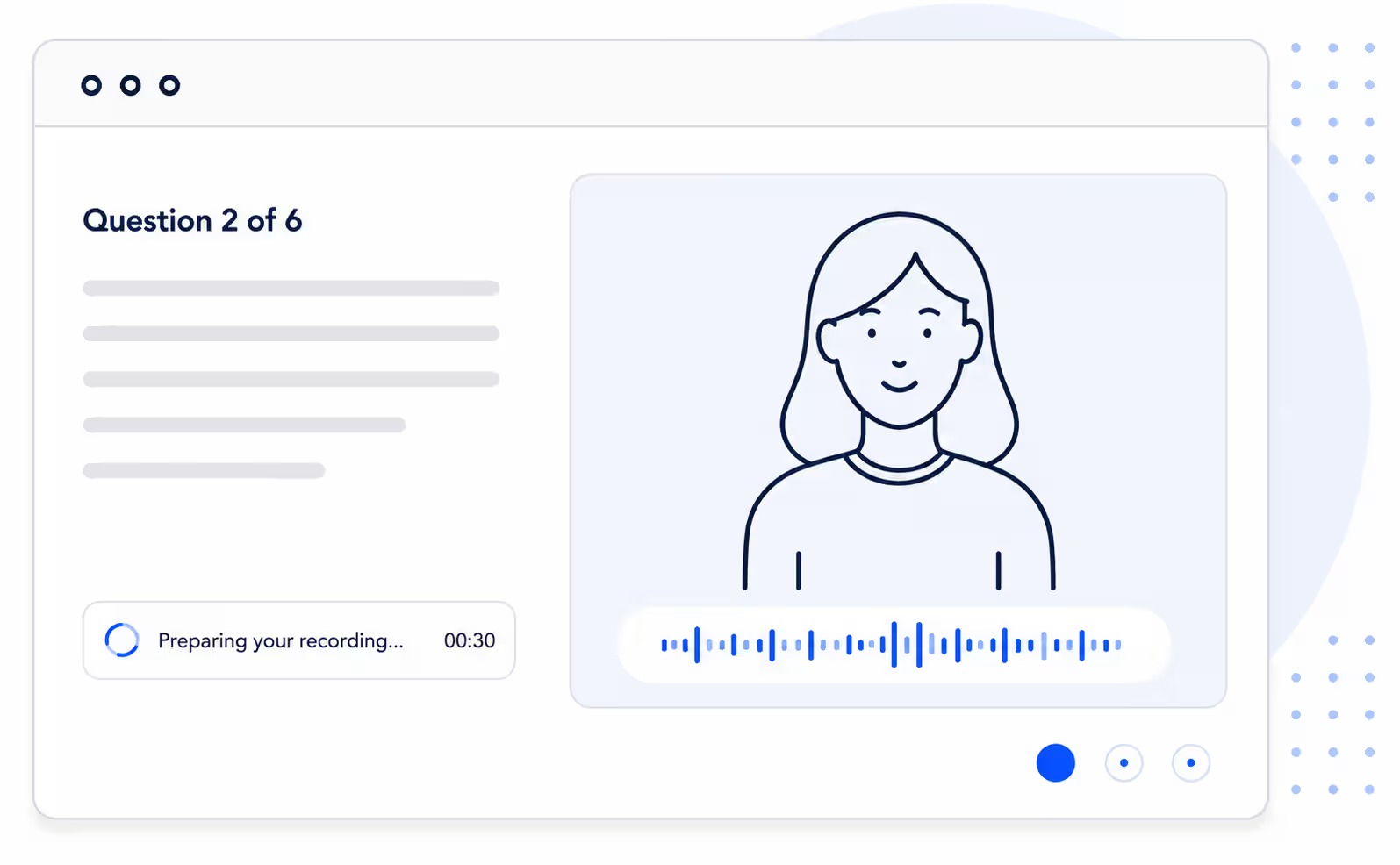
Your AI video interview guide
Tips for a great interview
A little preparation helps you feel more confident and present your best.

Technical checklist
Make sure your device and setup meet the requirements below.
What happens next?
Here’s what you can expect once you’ve completed and submitted your interview.
Your privacy, accommodations, & rights
A little preparation helps you feel more confident and present your best.
How your information is handled
We are committed to protecting your privacy and handling your information responsibly.
Troubleshooting
Solutions to the most common issues candidates face.
AI transparency, privacy, and your rights
Go beyond the basics with clear answers about AI assessment, fair review, data privacy, and the controls protecting your information.
x
See what AI actually does.
KitaHQ can transcribe your recorded answers, ask relevant follow-up questions, and create criteria-alignment summaries or scores. These outputs help recruiters review your answers; they do not predict your future job performance or decide whether you get hired.
What this means for you

AI evaluates the content of your answers against employer-defined, job-related criteria.
Follow-up questions may change when an answer needs more detail.
Scores and summaries are decision-support information, not a hiring decision.

x
What AI does not assess.
KitaHQ assesses what you say against recruiter-configured, job-related criteria. Its assessment is not designed to evaluate appearance, facial expressions, eye movement, inferred emotions, gender, age, race, accent, voiceprints, or vocal tone.
What this means for you
The assessment focuses on the content of your answers, not personal characteristics.
Employers should apply the same core, job-related criteria to candidates for the same role.
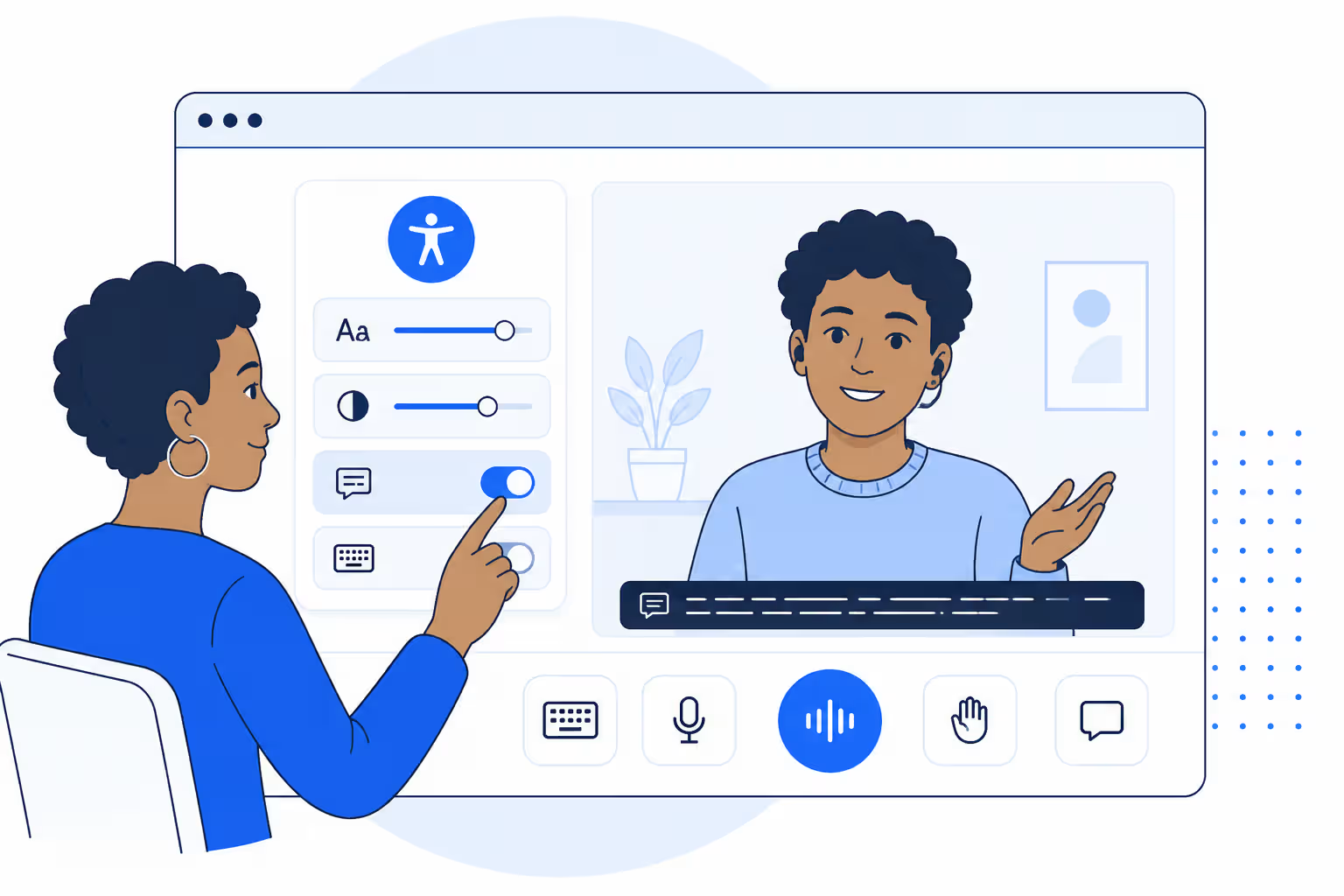
You may ask the employer about an accommodation or alternative assessment route.
x
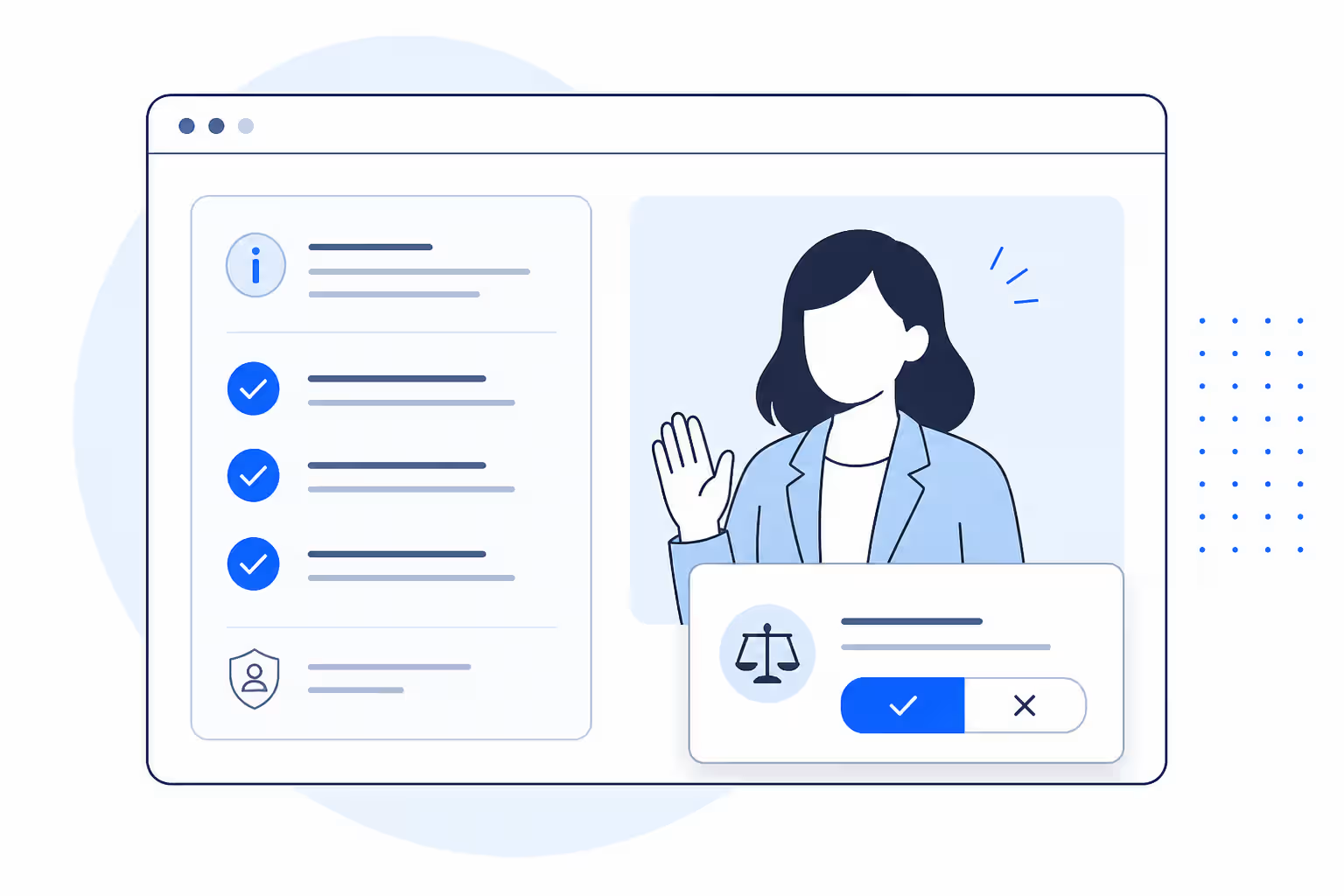
No automatic rejection.
KitaHQ does not automatically reject candidates. An authorised recruiter must review relevant candidate evidence before confirming a rejection or another adverse progression decision, and can inspect or disregard the AI-assisted assessment.
What this means for you
A score alone does not reject you or determine the hiring outcome.
Recruiters can review your original answers, transcript, and supporting context.
You can ask the hiring employer about an explanation, reconsideration, or human review.
x
Never used to train AI.
Candidate data, including your interview video, audio, transcript, and answers, is not used to train KitaHQ or third-party AI models. Your information is handled for the employer’s recruitment process and retained according to documented instructions, applicable agreements, and legal requirements.
What this means for you
Your interview content is not used as AI model training data.
Depending on applicable law, you may request access, correction, or deletion.
For questions about KitaHQ’s data processing, contact privacy@kitahq.com.
x
Never used to train AI.
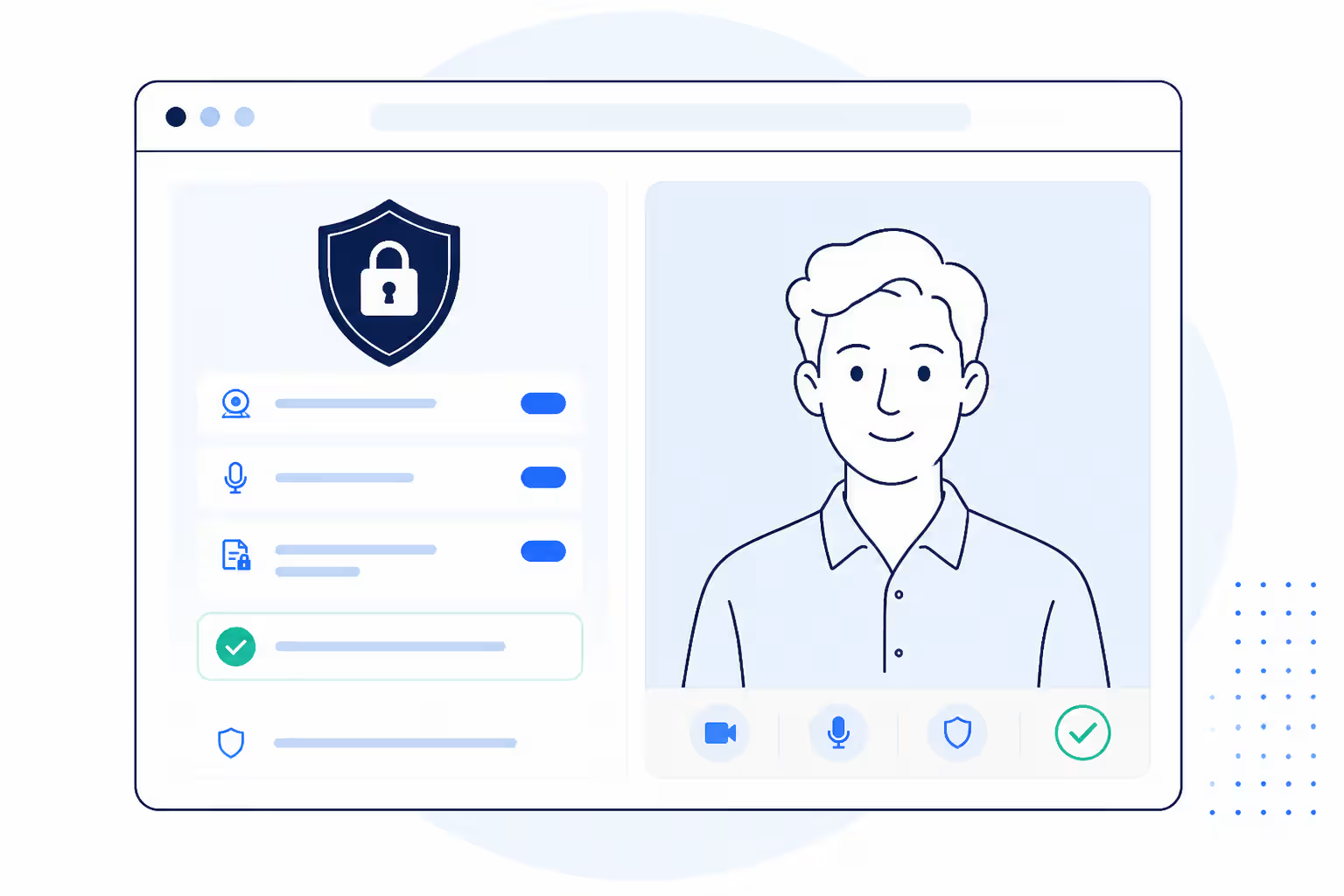
KitaHQ protects candidate information with documented security measures, including encryption in transit and at rest, role-based access controls, multi-factor authentication, monitoring, vulnerability scanning, and incident-response procedures.
What this means for you
Interview information is encrypted while being transferred and stored.
Role-based permissions and multi-factor authentication limit authorised access.
Monitoring, vulnerability scanning, and incident-response processes support ongoing protection.


Your rights by country
Choose your location to see a concise overview. Your hiring employer remains the best contact for role-specific questions or review requests.


Frequently asked questions
Find answers to the most common questions about the AI Video Interview.
- Your application status
- Interview deadlines
- The role
- Further interviews
- Recruitment decisions
- Accessibility accommodations
.avif)