%20(1).png)

August 6, 2026
Ecommerce Hiring Process: A Practical Guide to Building a Team That Can Scale
Build a stronger ecommerce hiring process with eight practical steps for defining roles, screening candidates, running interviews, and scaling responsibly.
.avif)
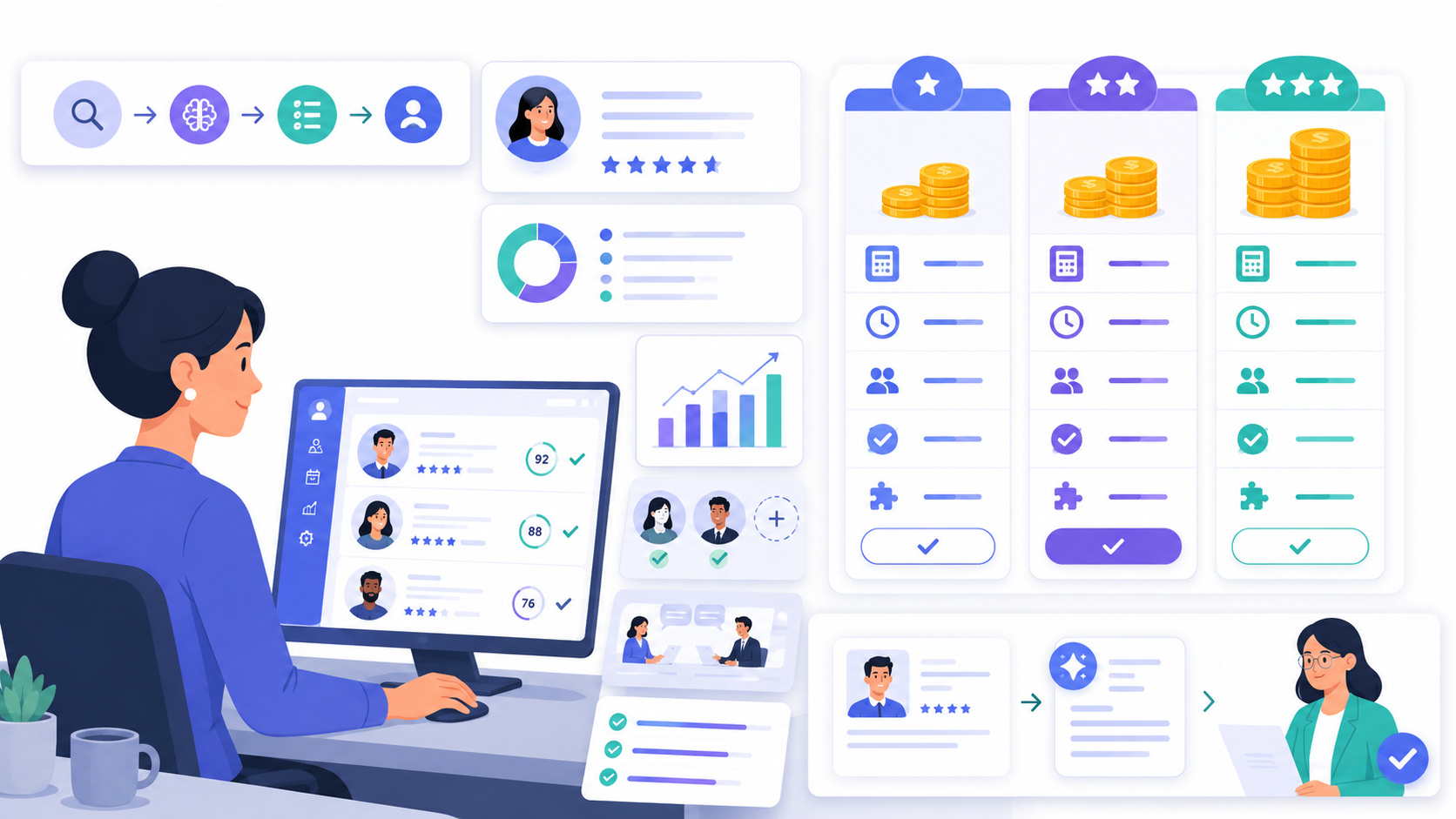
AI recruitment software cost can vary widely because not every platform solves the same hiring problem.
Some tools focus on applicant tracking, some help with sourcing, while others support candidate screening.
Before comparing prices, hiring teams need to understand what work the software actually reduces and whether it helps recruiters review candidates more efficiently.
AI recruitment software can range from low monthly subscriptions to custom enterprise contracts.
Public pricing varies widely. Some recruiting or ATS platforms list plans in the hundreds of dollars per month, while enterprise hiring platforms may use custom quotes based on company size, usage, implementation, and feature requirements.
For example, Workable publicly lists plans from $299/month to $719/month, with video interviews and assessments included in higher tiers or available as add-ons in some plans.
For broader ATS context, People Managing People’s 2026 ATS pricing guide lists typical ranges from $50–$200/month for small businesses to $1,500+/month for enterprise use. This should be treated as ATS context, not a direct benchmark for every AI recruitment software platform.
KitaHQ plans start from just $29 per recruiter/month, billed annually, or $39 per recruiter/month, billed monthly, with candidate management, communication, and 10 AI video interviews included.
That range is wide because “AI recruitment software” is not one fixed product category. A tool that only helps write job descriptions should not be compared directly with a platform that screens candidates at scale.
Hiring teams should separate these categories before comparing cost:
See also: 8 Most Affordable AI Video Interview Tools: Pricing Guide for Hiring Teams
Per-user pricing charges based on how many recruiters, coordinators, or hiring managers need access.
This can work for small teams, but costs can increase as more hiring managers need to review reports or collaborate inside the platform.
Ask vendors:
Some platforms charge based on the number of active jobs.
This can work when hiring volume is predictable. It can become expensive for teams hiring across many repeatable roles, locations, or seasonal campaigns.
Ask vendors:
Per-candidate or per-interview pricing is common for screening and interview tools.
This model can be useful for high-volume hiring because cost is tied directly to usage. But teams need to understand whether they are charged for invited candidates, started interviews, completed interviews, reviewed reports, or shortlisted candidates.
Ask vendors:
Some vendors charge separately for resume screening, video interviews, assessments, automation, analytics, integrations, or support.
This can be flexible, but it can also make the total cost harder to predict.
Ask vendors:
Enterprise pricing is usually based on hiring volume, number of users, regions, security requirements, support needs, and implementation scope.
This model can make sense for complex organizations, but teams should ask for a clear cost breakdown before signing.
Ask vendors:
See also: Cost per Hire: Calculate, Compare Averages, and Improve Hiring
The best way to compare AI recruitment software cost is to calculate the cost of producing a useful screening outcome.
A useful screening outcome is not just an application received. It is a candidate profile that recruiters or hiring managers can actually review with enough context to decide the next step.
For AI candidate screening and AI video interviews, compare vendors using this framework:
This matters because AI recruitment software should not be evaluated as a generic software subscription. It should be evaluated against the manual work it reduces and the quality of review context it creates.
Candidate volume usually has the biggest impact on cost.
A company screening 50 candidates per month has a different cost profile from a team screening 3,000 candidates across multiple locations. For high-volume hiring, the pricing model should not punish the team for every extra applicant if many candidates will never reach human review.
Hiring for one role is simpler than hiring across many repeatable roles.
Teams hiring for retail, sales, customer service, education, hospitality, healthcare support, or operations may need different questions, criteria, and reports by role. The tool should support role-specific screening without requiring heavy setup each time.
Not every tool screens at the same depth.
Some tools only parse resumes. Others run AI video interviews, ask structured questions, assess role-specific skills, and create interview reports.
If your team needs to evaluate communication, job readiness, motivation, or customer-facing judgment, resume screening alone may not be enough.
Automation affects cost because recruiter time is part of the real budget.
A tool that automates invites, reminders, re-invites, rejection messages, and hiring manager handoffs may reduce more manual work than a tool that only collects candidate responses.
A low-cost tool can become expensive if recruiters still need to watch every full interview, rewrite summaries, or create separate notes for hiring managers.
Strong candidate reports should help recruiters and hiring managers review candidate context faster, with scores, summaries, transcripts, recordings, strengths, concerns, and clear next-step context.
See also: AI Hiring Software Comparison: 7 Affordable Options
The cost of manual screening is often hidden because it appears as recruiter time.
PT Sejahtera Mitra Solusi is a useful example. Before using KitaHQ, the team relied on manual phone screening and spent around 2 hours per day on screening. After replacing manual phone screens with AI video interviews and automated screening steps, daily screening time dropped by 75%, from 2 hours to 30 minutes. Their time-to-hire also improved by 50%.
The lesson is not that every team will get the same result. The lesson is that hiring teams should calculate the cost of repeated manual screening before judging whether AI recruitment software is expensive.
A simple calculation:
Manual screening cost question
If AI candidate screening reduces these steps while keeping recruiter and hiring manager review in place, the software cost should be compared against avoided manual work, not just against another vendor’s monthly fee.
AI recruitment software cost should not be judged by subscription price alone.
A low-cost tool can still become expensive if recruiters continue spending time on manual resume review, interview scheduling, candidate reminders, repetitive screening calls, and summary writing for hiring managers.
A better comparison is cost per useful screening outcome: how much it costs to move from applicant volume to a reviewable candidate report that helps recruiters and hiring managers decide the next step.
For hiring teams with repeatable roles, high applicant volume, or early-stage screening bottlenecks, the right AI recruitment software should reduce manual screening work without removing human judgment from the process.
This is where software like KitaHQ can help: by combining AI resume screening, AI video interviews, recruitment automation, and interview reports with applicant management and candidate communication in one workspace so recruiters and hiring managers can review candidates with more structure before deciding who should move forward.
Industry: Banking
KitaHQ is an AI recruitment software that helps companies screen candidates, manage applicants, and keep candidate communication moving in one connected workspace.